

Club Member Dashboard
Welcome to your premier member dashboard.
Please choose a category below to start discovering on demand videos.


Newest Videos
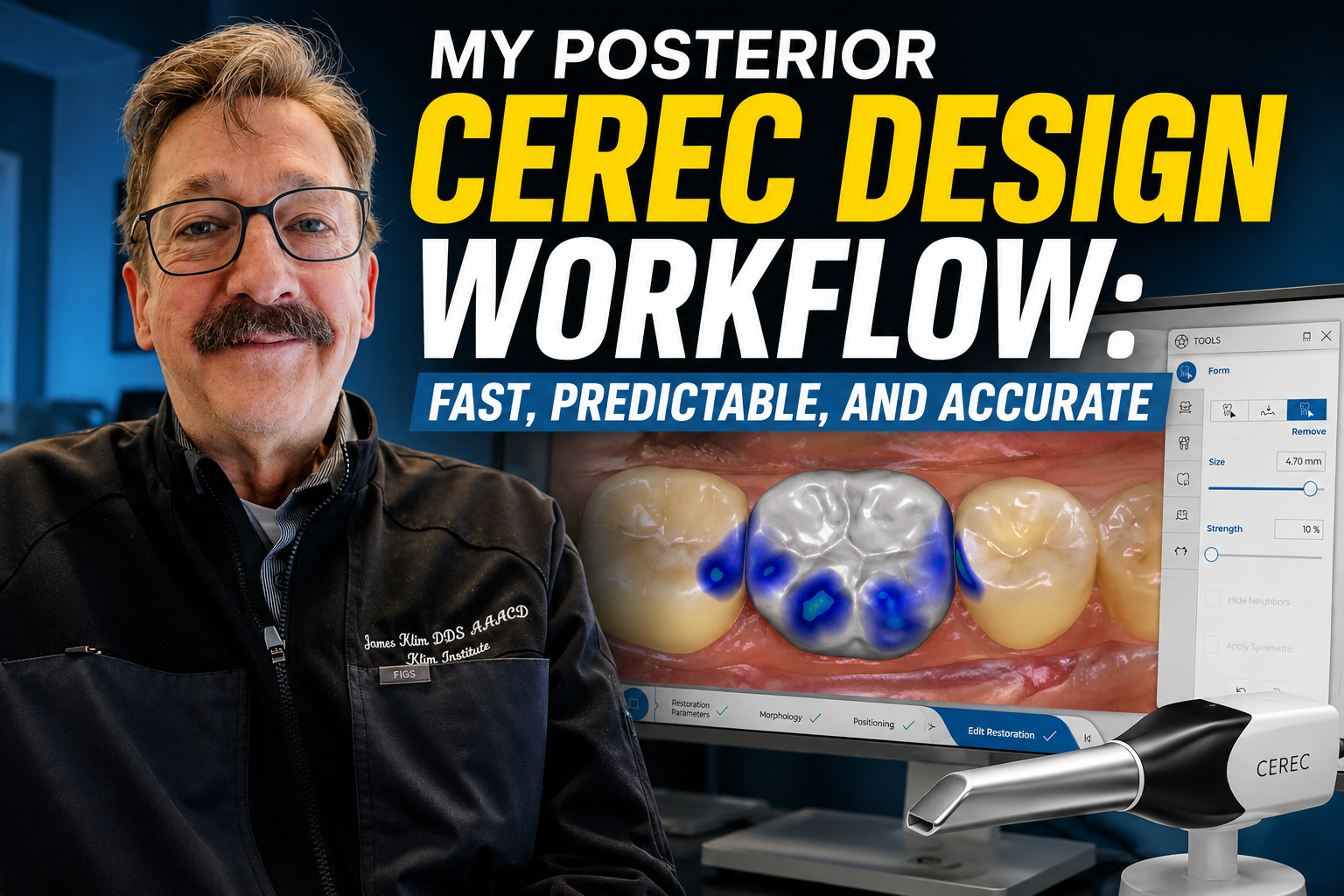
In this video, I'll walk you through my everyday CEREC Posterior design sequence—from start to finish. I'll show you exactly what I look for, the small nuances that make a big difference.
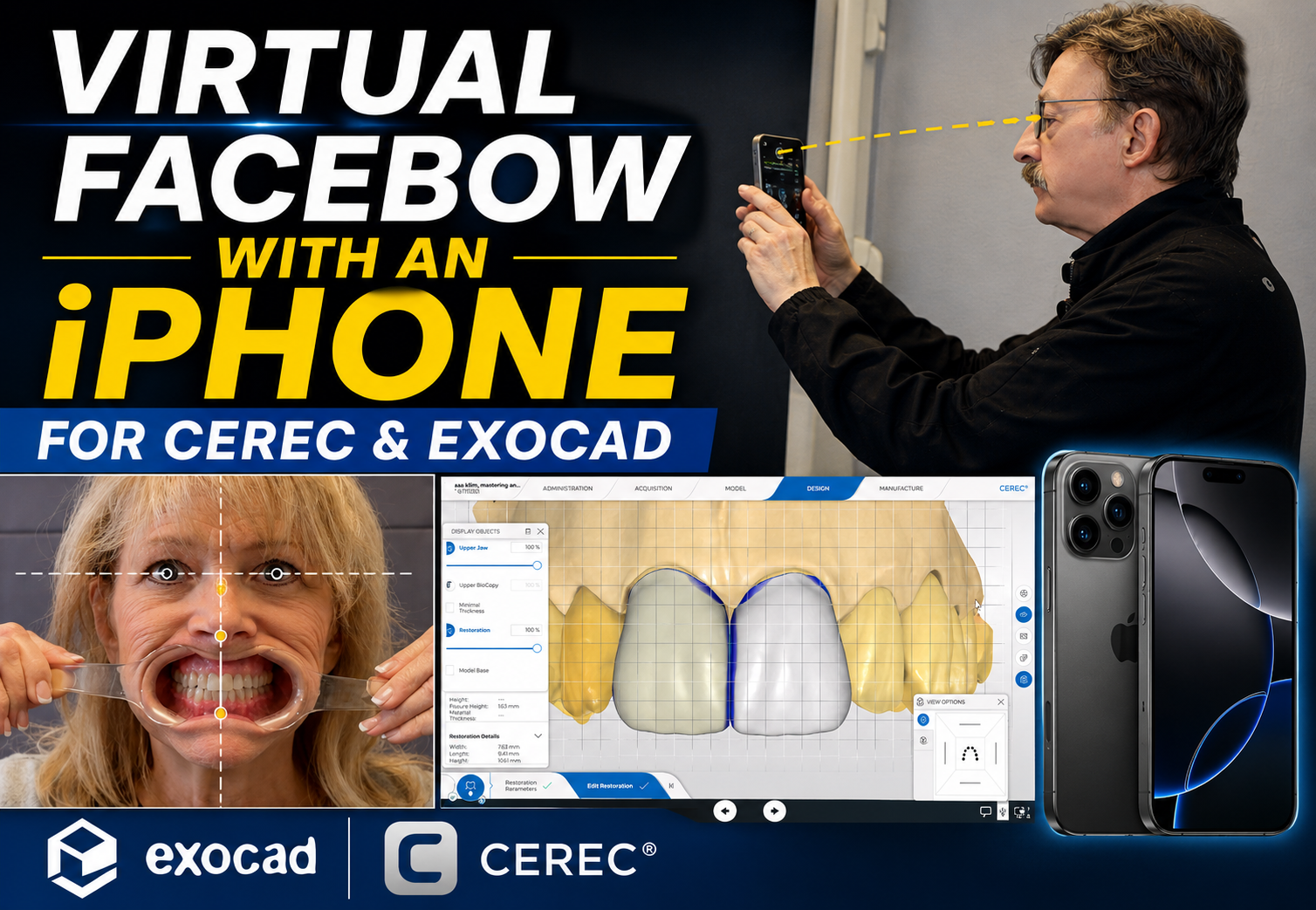
In this video, I'll show you how I use an iPhone to capture a facial alignment photograph that serves as a virtual facebow for orienting the model axis and establishing the correct smile plane.
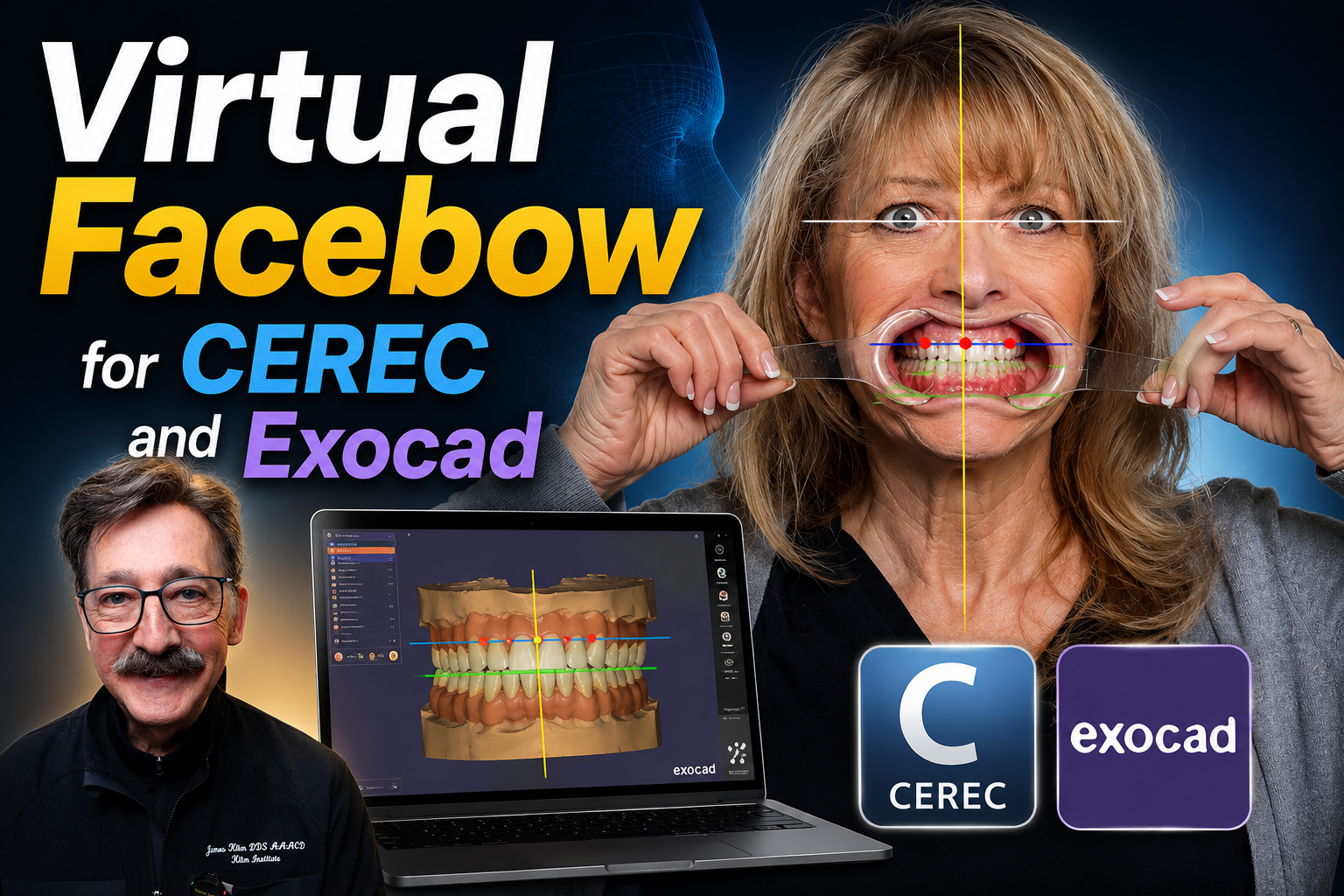
By positioning the patient correctly for a facial photograph, similar to setup posturing for a CBCT, we can establish accurate reference planes without the need for a traditional facebow.
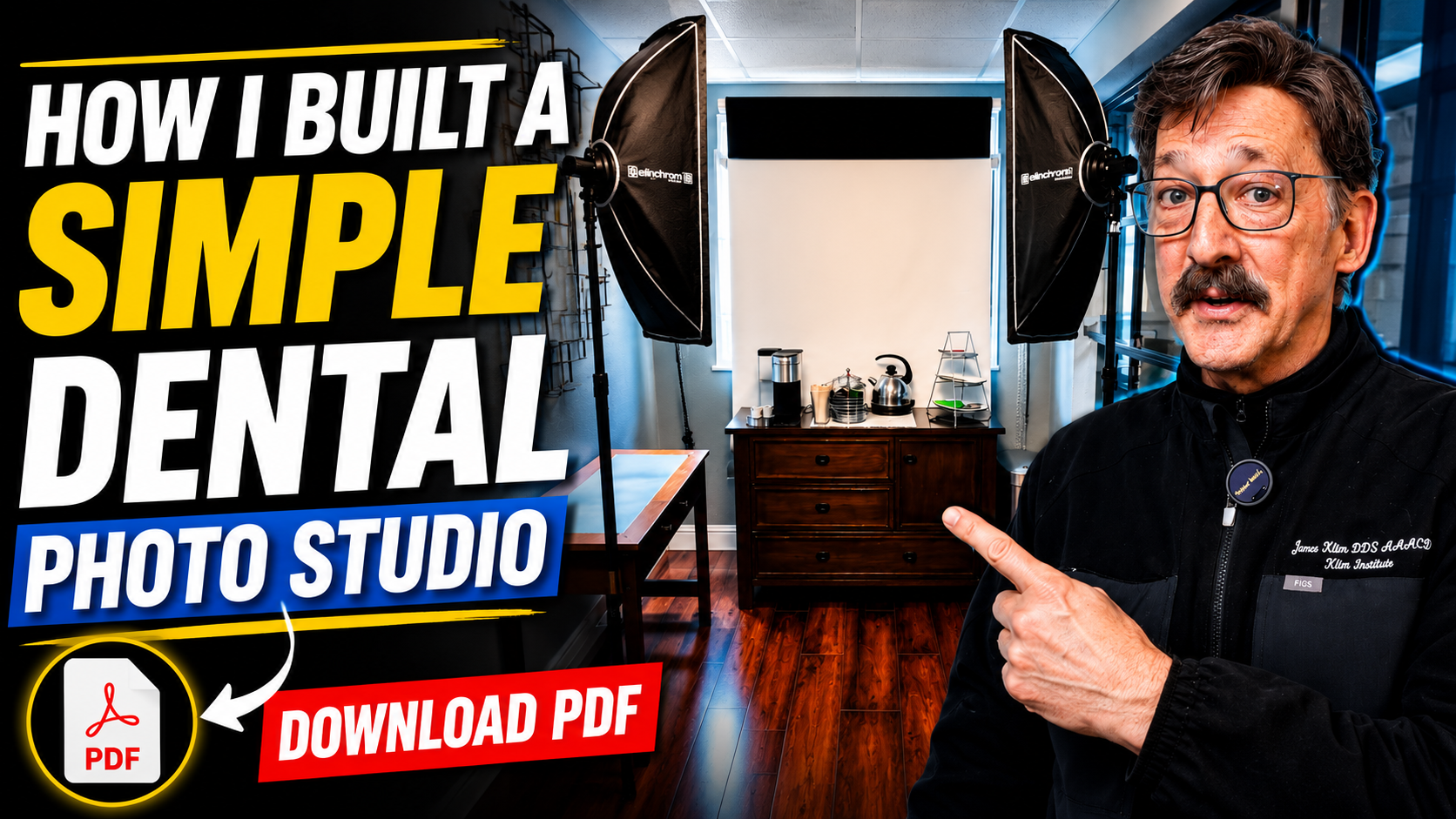
In this video, I'll walk you through my simple studio setup and show you how easy it is to create professional-quality photographs.
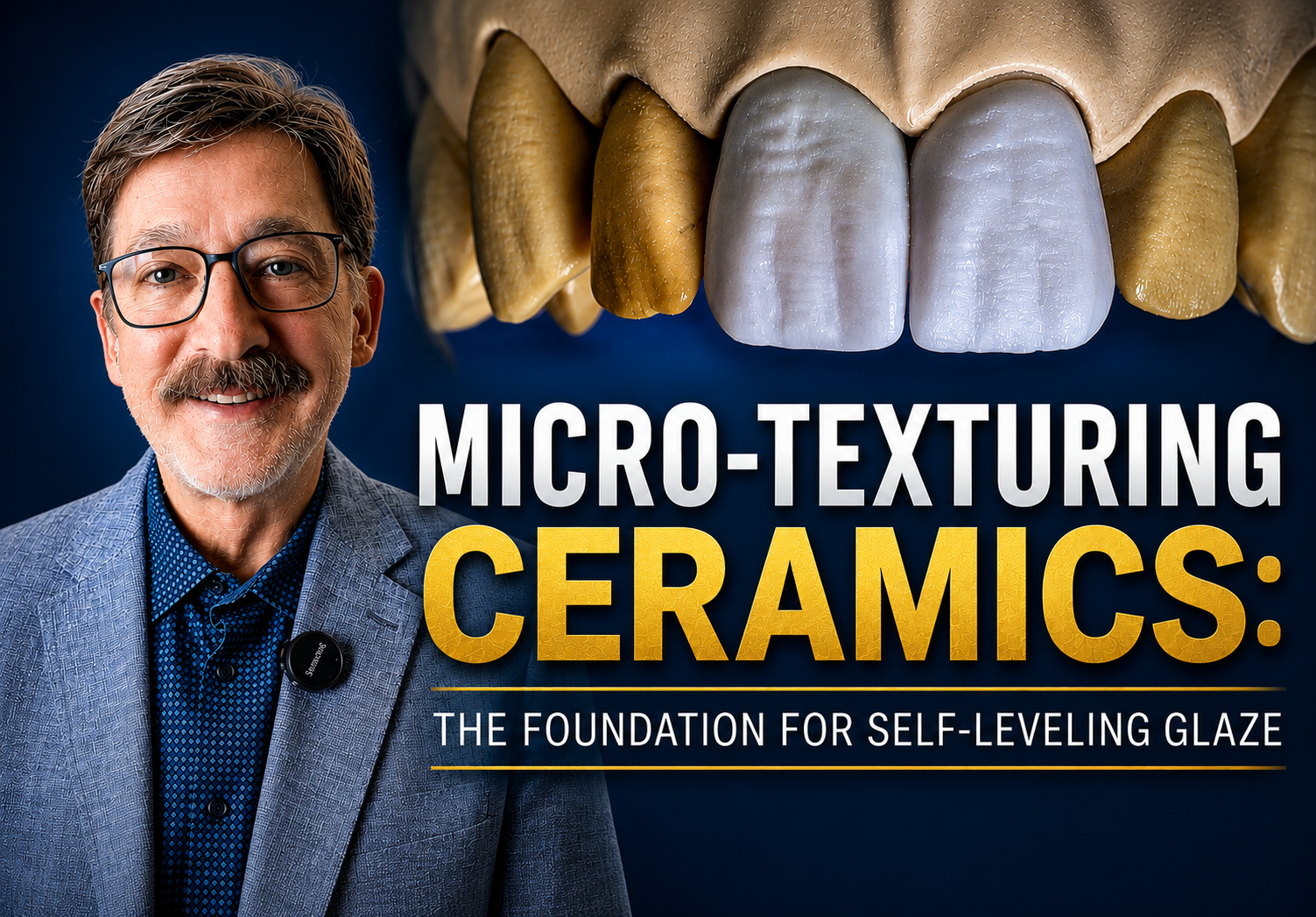
In this video, I demonstrate my approach to micro-texturing e.max restorations before applying the new generation of self-leveling glazes.
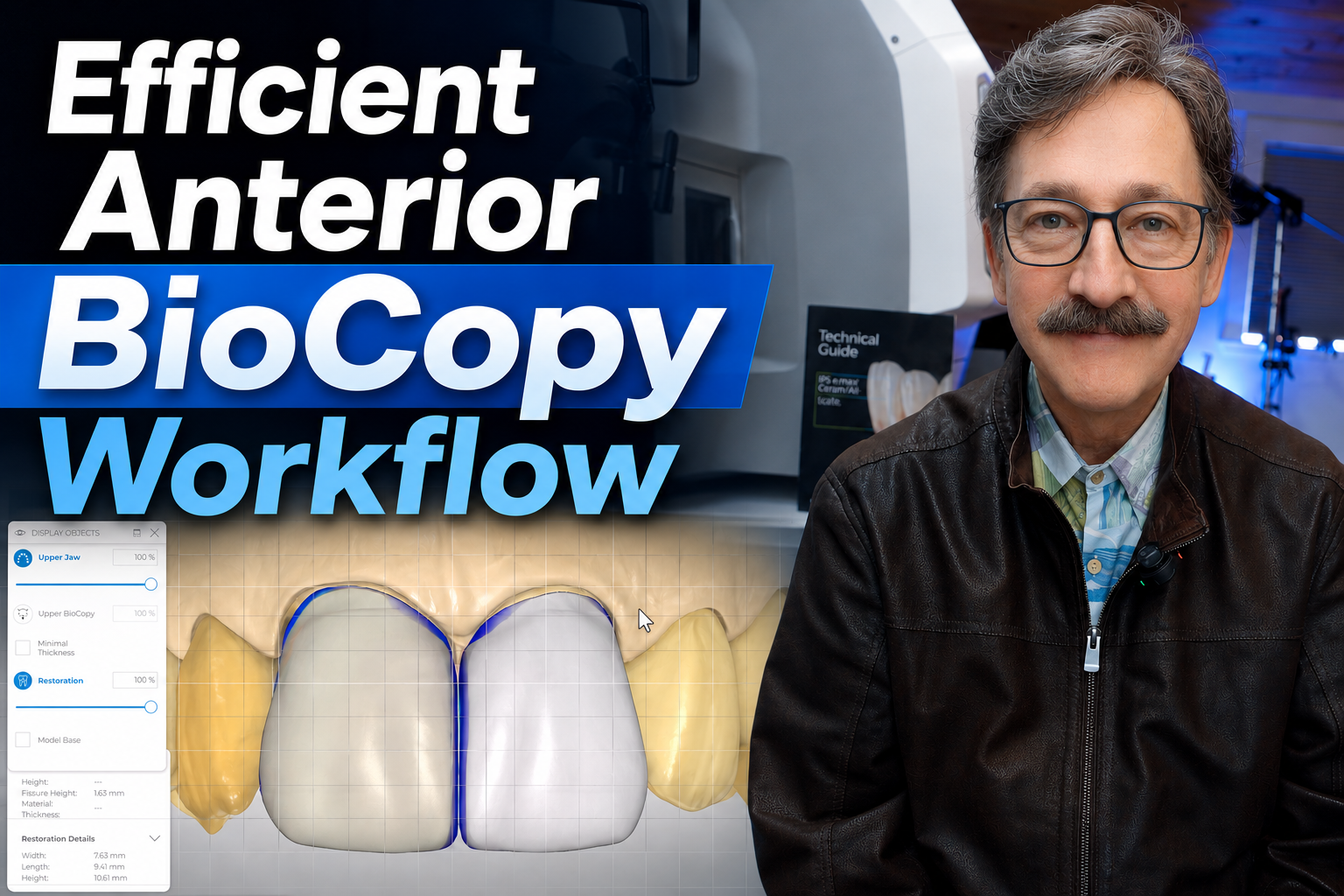
This video presentation will demonstrate my CEREC workflow for anterior BioCopy restorations. We will be designing two central incisors using the BioCopy technique, and I will review the critical aspects that make BioCopy successful.
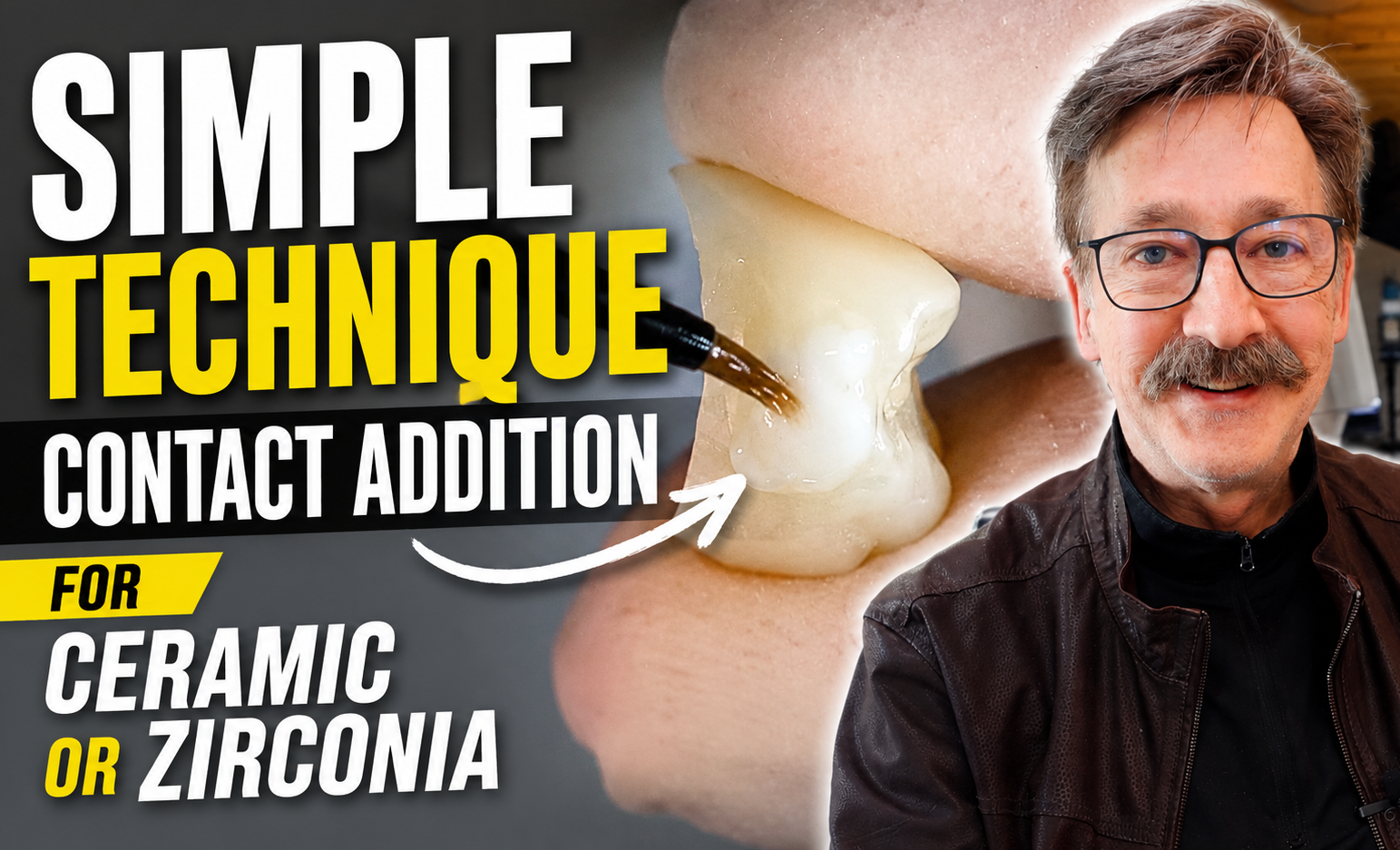
Having a predictable technique for correcting an open contact chairside has become one of the most valuable skill sets in ceramic and zirconia chariside dentistry. Learn this simple technique.
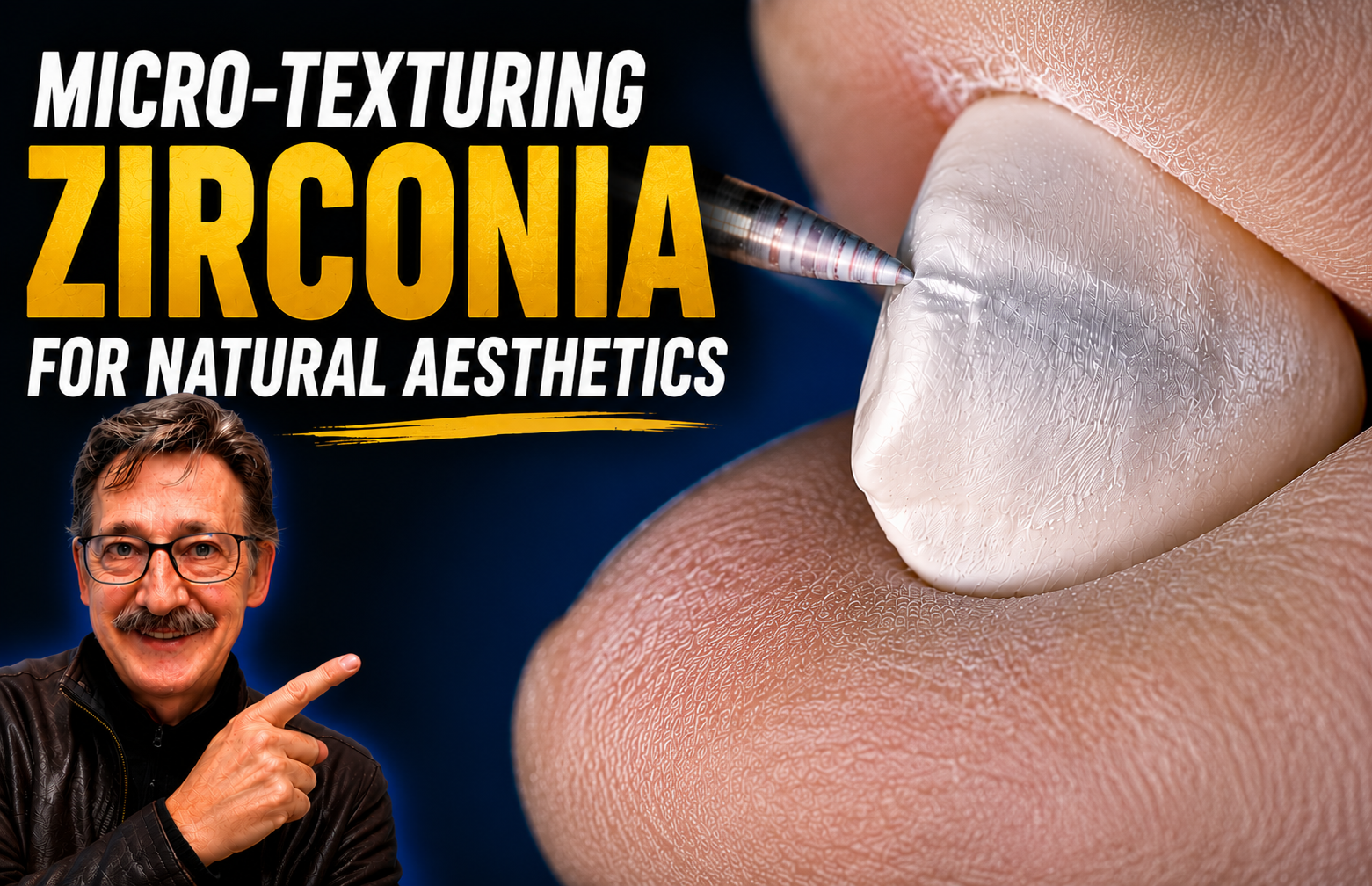
In this video, I walk through the steps of micro-texturing a zirconia canine restoration to blend naturally with the adjacent ceramic lateral incisor. The goal is to create harmony between two different restorative materials while maintaining a consistent appearance across the smile.

In this tutorial, we demonstrate a basic anterior workflow for characterizing a zirconia canine crown fabricated from ZirCAD Prime Aesthetic zirconia and blending it naturally next to an adjacent e.max lateral restoration.
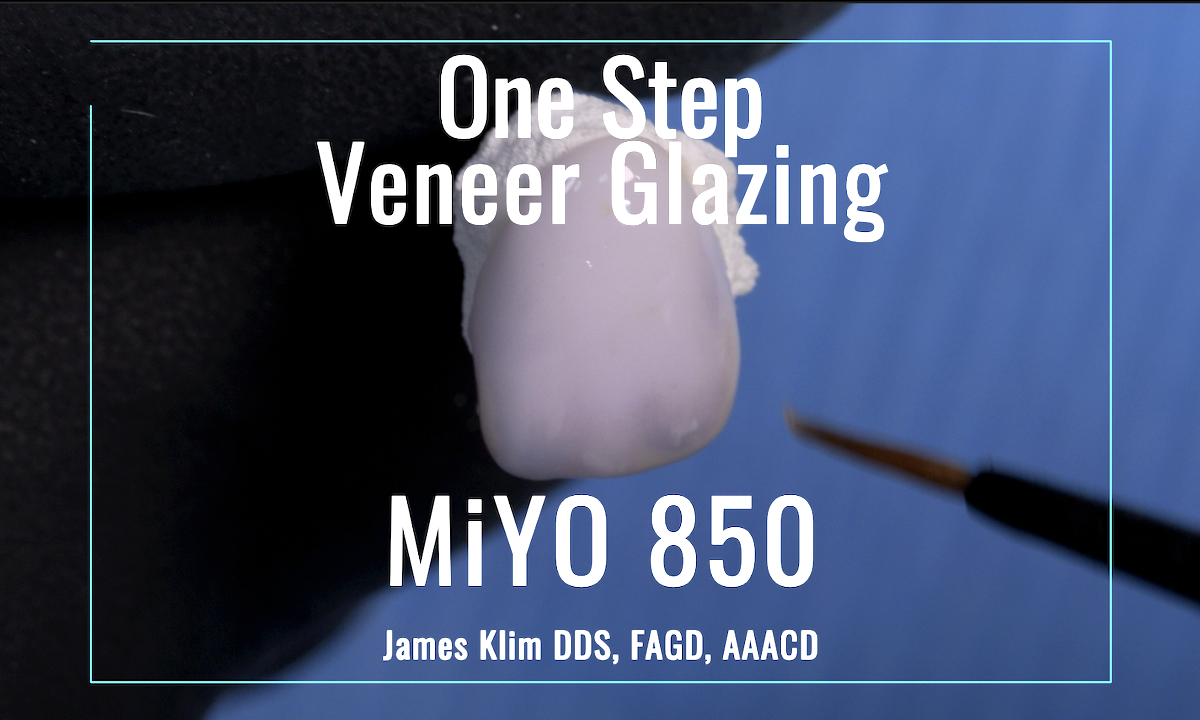
This video highlights the effectiveness of MIYO 850, as a one-step exercise for cyrstalization and MiYO stain/glaze for one firing.
CEREC parameters are designed to help the software run smoothly and to optimize both the proposal and the milling process.
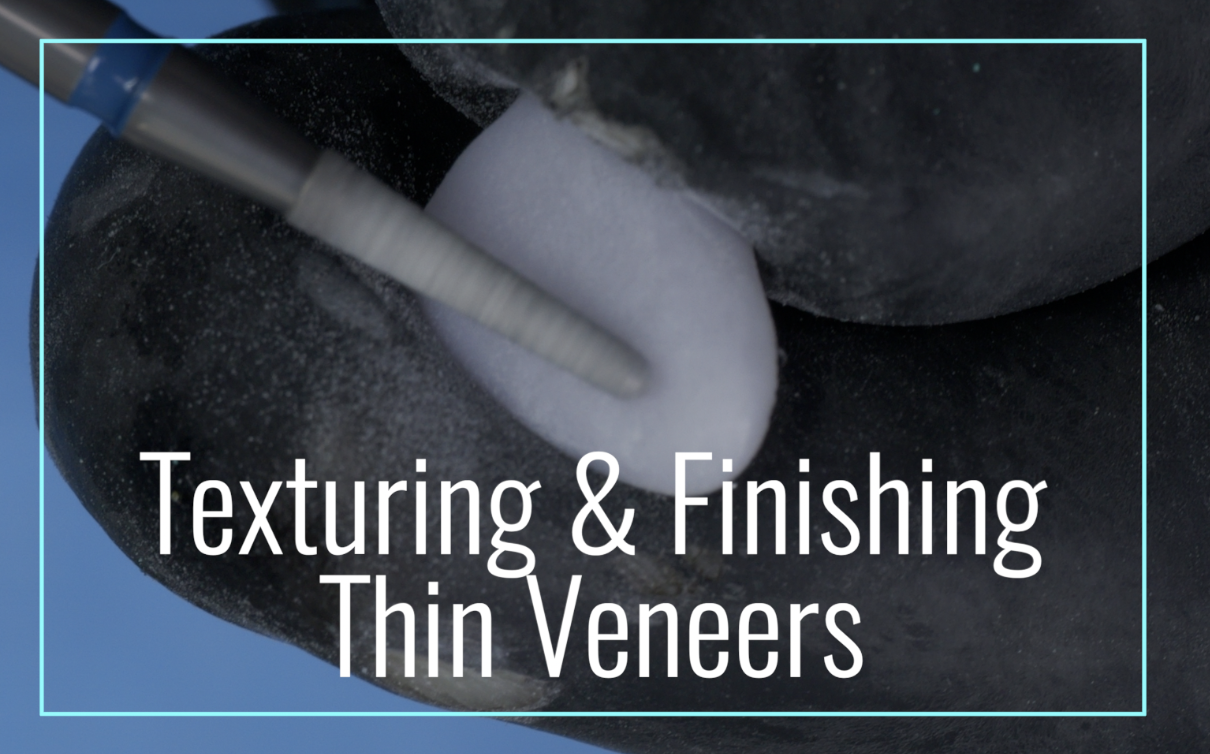
The goal is simple: let the mill do most of the work. Once the restoration is milled, I perform only micro-refinement, avoiding heavy adjustments that could compromise structural integrity. This approach preserves accuracy and reduces the risk of overworking delicate ceramic.

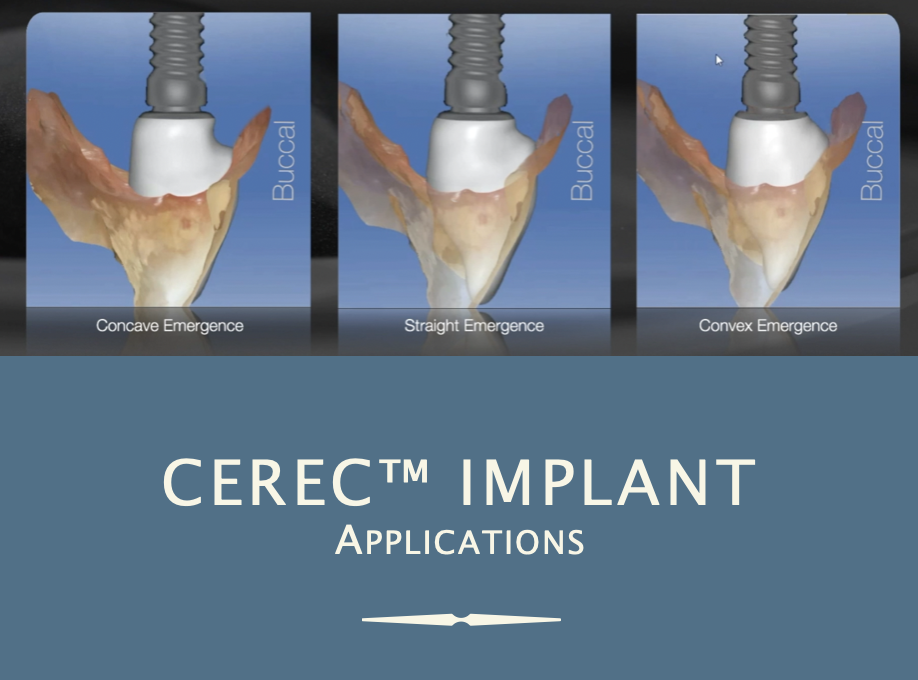
This tutorial will guide viewers through the software workflow for designing two posterior side-by-side two-piece implant restorations. TriAbutment, Cercon 4D, and e.max are the materials used.

Here in this tutorial video, I’ll demonstrate the BioJaw approach for aesthetic multiple restorations within the CEREC software.

With over four decades of experience, I’ve discovered an easy-to-apply finishing varnish for acrylics called Palaseal. It works exceptionally well to achieve a "glaze-like" finish on printed provisionals and can be easily cured during the printing curing phase. This video demonstrates my technique for applying Palaseal to printed provisionals.

In this video, I will demonstrate my method for creating micro-retentive grooves on implant abutments prior to sintering, increasing cementation retention for the restorative crowns.


Member Quarterly Live
Webinar Schedule:
Sept 4, 2026 (9:00-11:00 am PST)
Topic: Creating a Digital Photography Studio (without breaking the bank)
Fill out form to save your space.
Current members attend at no charge.

Note: if adding an assistant please click the plus sign before choosing ‘register now’
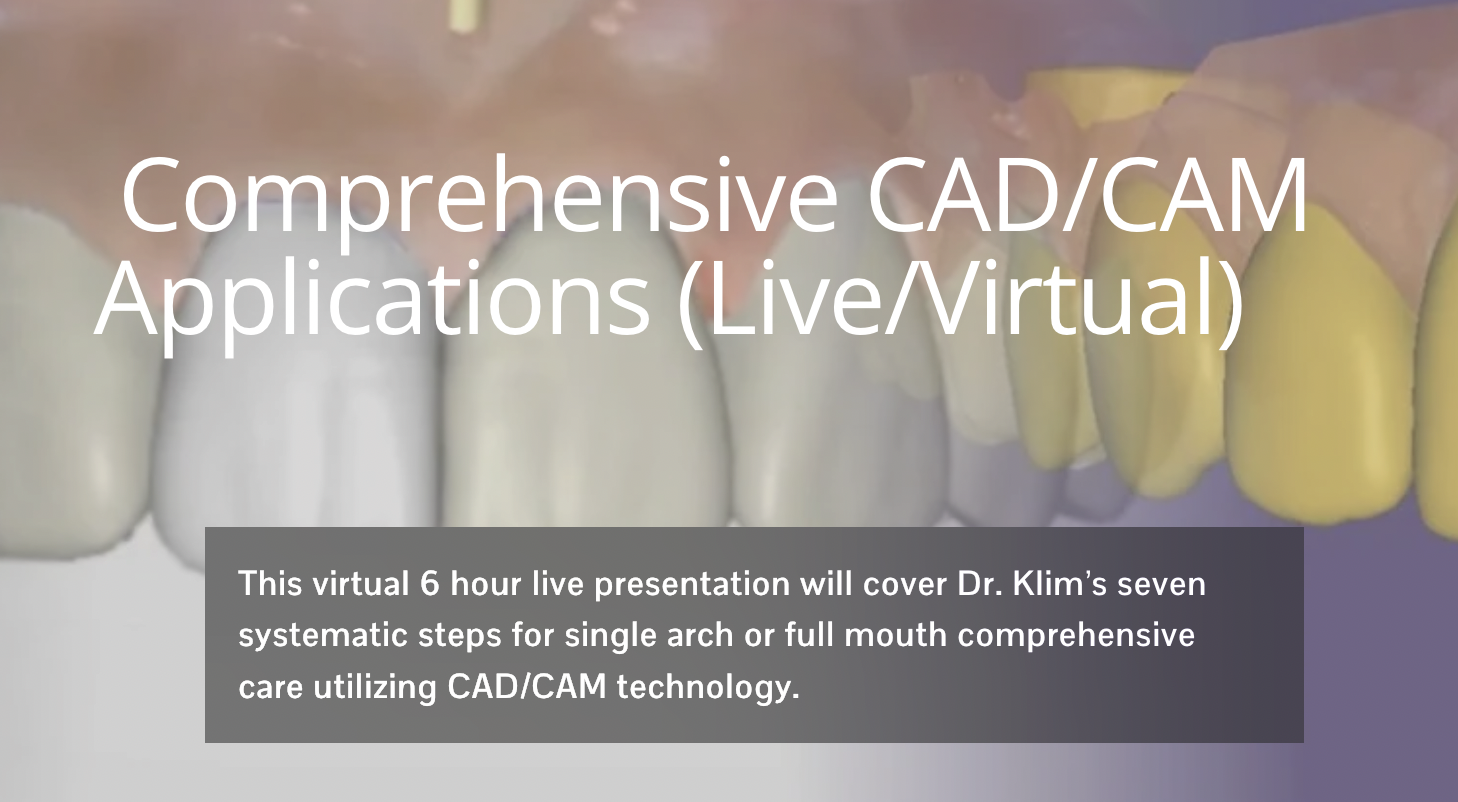

This virtual course presentation will cover the process of creating aesthetic and predictable CAD/CAM veneers using the CEREC system.
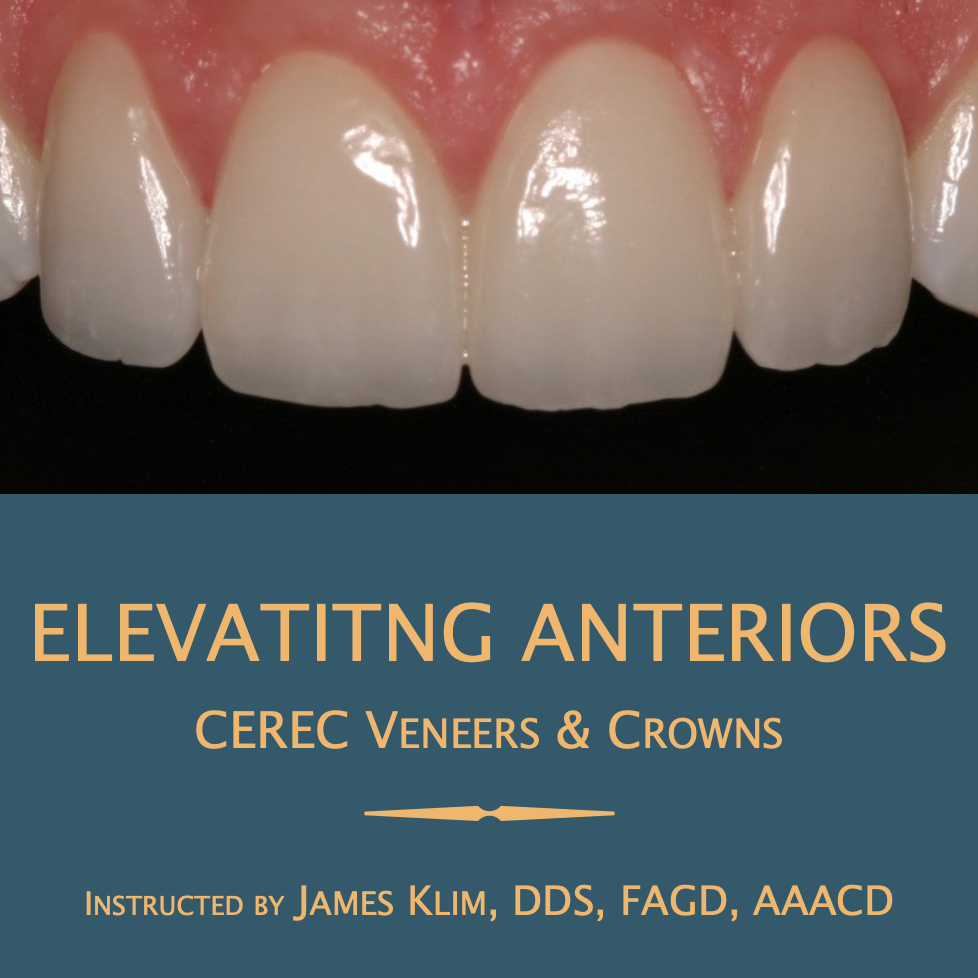
Note: if adding an assistant please click the plus sign before choosing ‘register now’
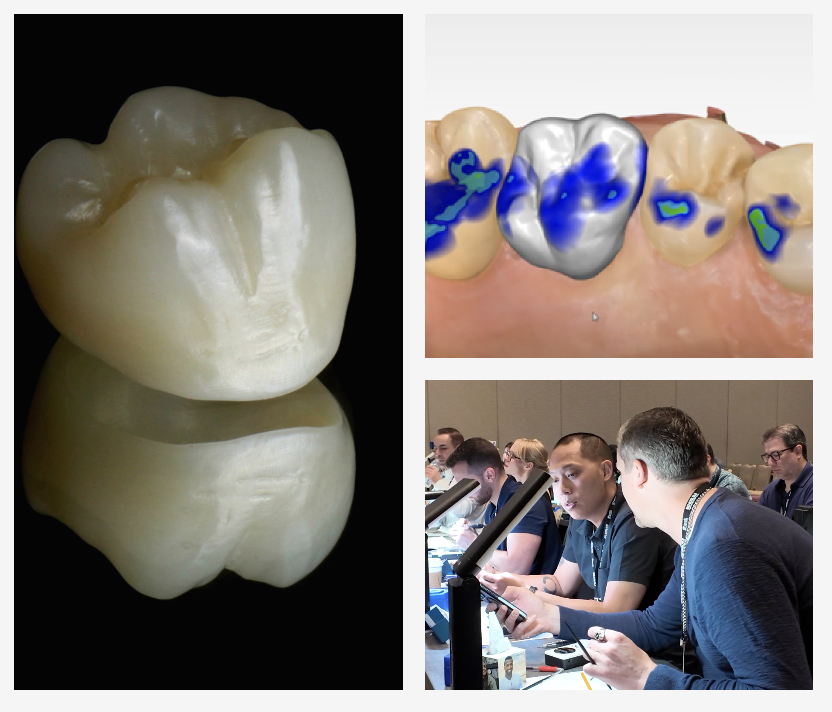
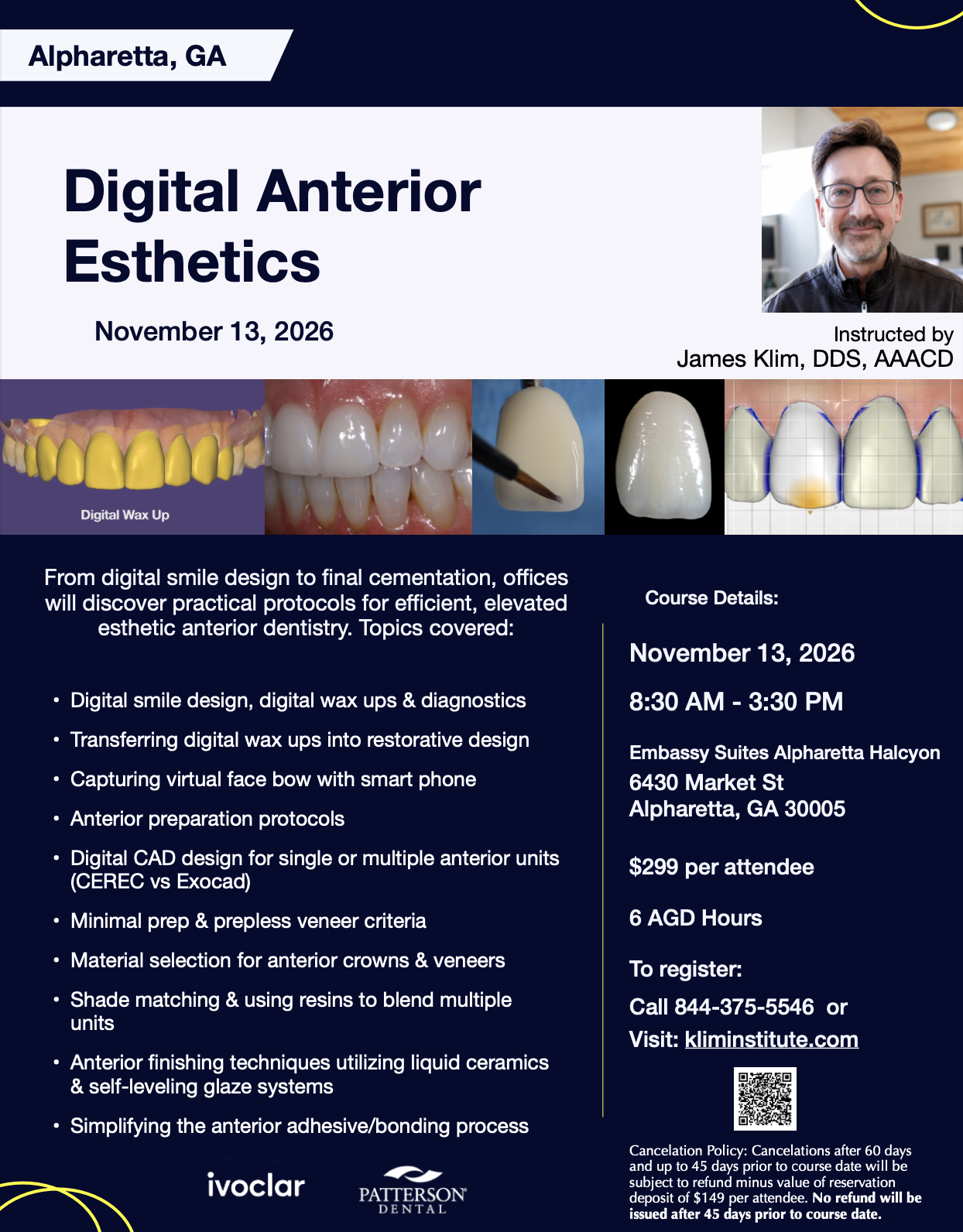
From digital smile design to final cementation, offices will discover practical protocols for efficient, elevated esthetic anterior dentistry.
Note: if adding an assistant please click the plus sign before choosing ‘register now’
Upcoming Hands-On and Virtual Courses
As part of your membership, you are entitled to a 10% discount on courses. Use the code CLUB25 at checkout
This video demonstrates one straightforward workflow, but it's really only the beginning. As you become familiar with the material, you'll discover countless combinations of shades and effects.