
My Posterior CEREC Design Workflow: Fast, Predictable, and Accurate
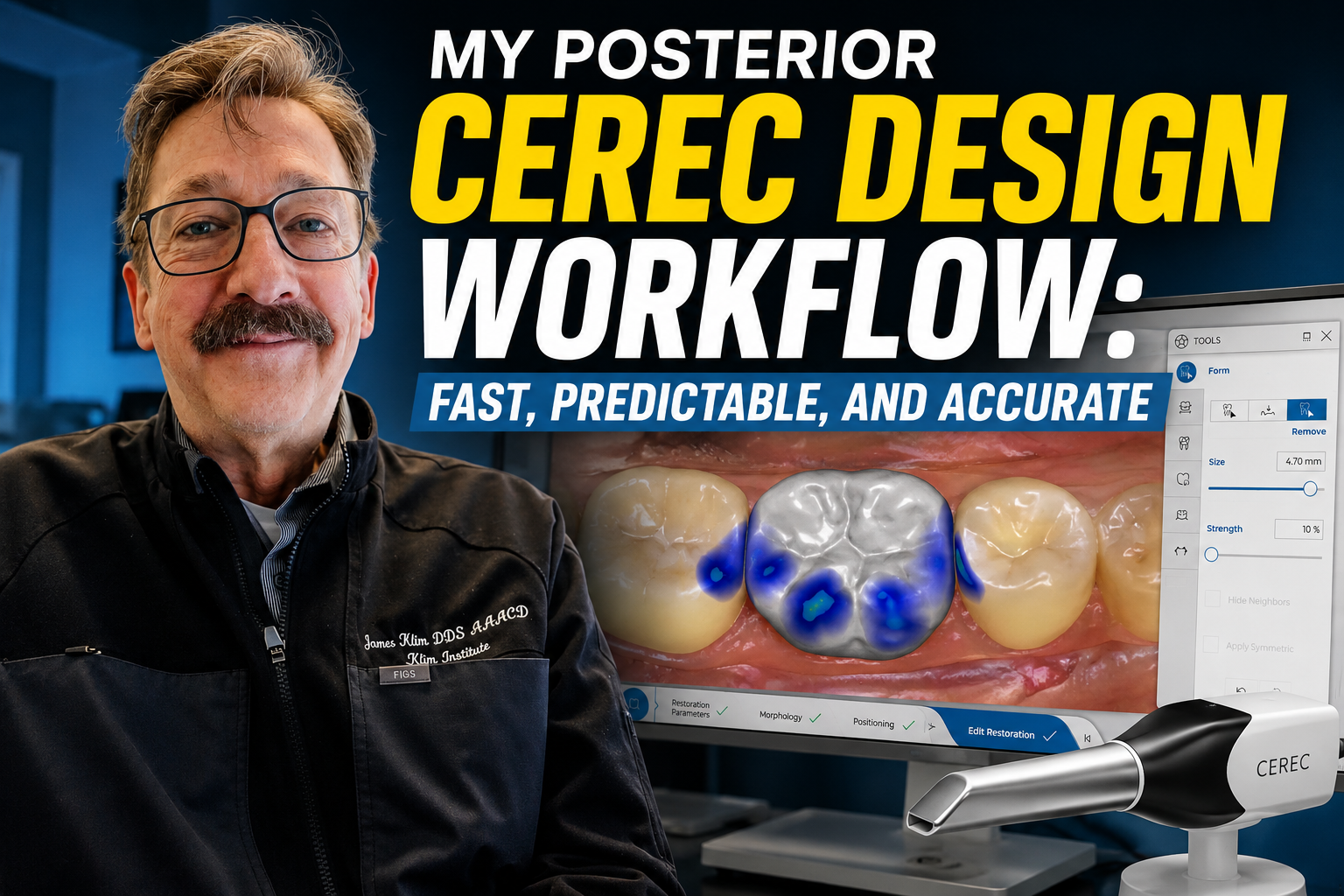
I get a lot of questions about design workflows, fit, and parameter settings. Most of what determines the fit of a restoration comes down to understanding how CEREC works and following a consistent design workflow.
This video is an update on my current approach. Honestly, I haven't changed much over the past several years because the core CEREC workflow really hasn't changed in over a decade. For posterior restorations, I still believe it remains one of the strongest software platforms available. I use several different CAD systems, but for efficient same-day dentistry, CEREC continues to be one of my favorites.
The one clinical factor that has the greatest influence on how well the software performs is providing adequate occlusal reduction for the material you're using. I can't overemphasize how important that is. If the preparation doesn't provide enough material thickness, the software simply can't compensate for it.
In this video, I'll walk you through my everyday CEREC design sequence—from start to finish. I'll show you exactly what I look for, the small nuances that make a big difference, and the settings and techniques I use to consistently produce restorations that seat completely, fit accurately, and come in with the occlusion already on target, minimizing or even eliminating the need for occlusal adjustment.
