
Virtual Facebow Photography for CEREC and Exocad
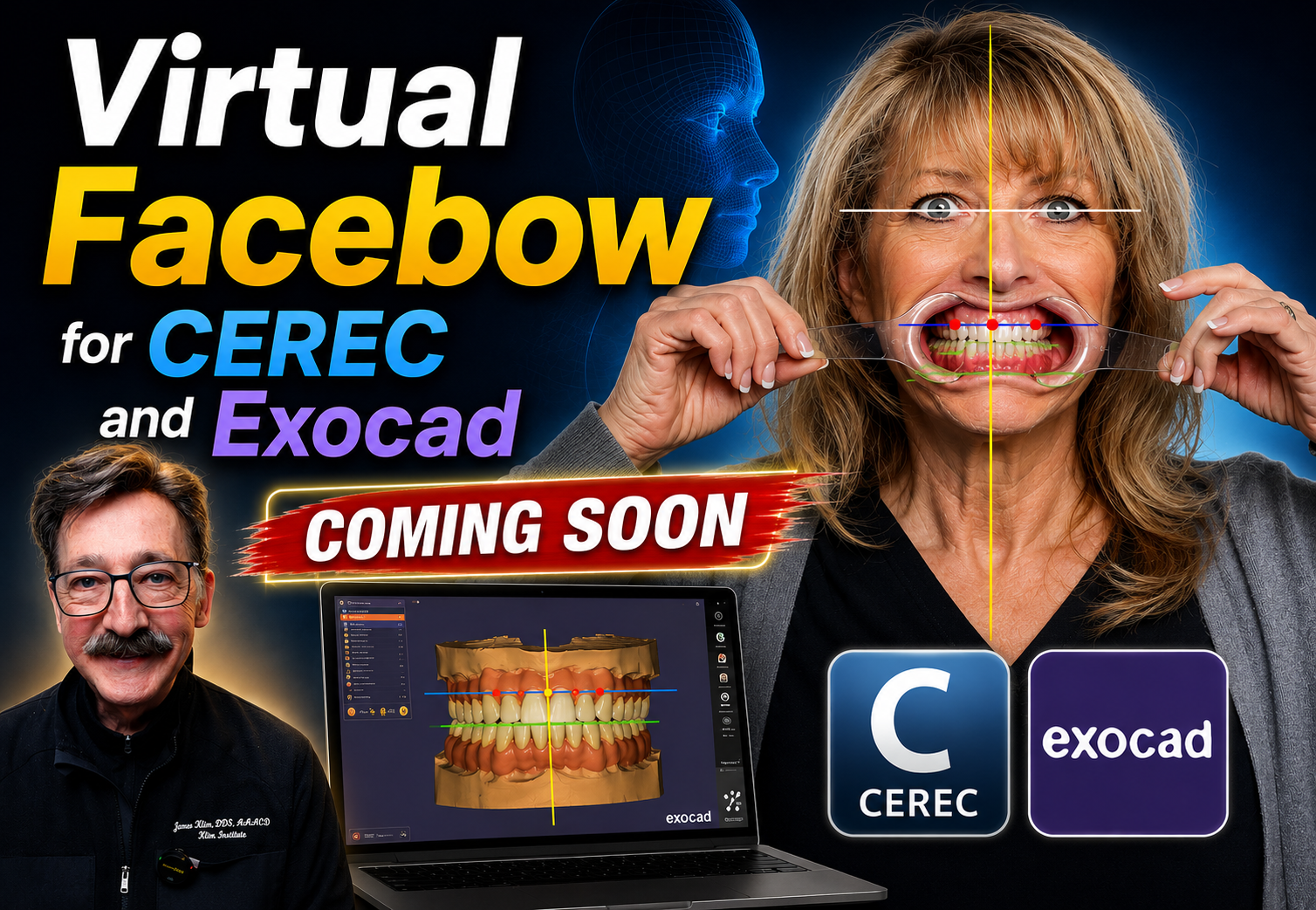
Aligning the model axis is one of the most important steps in any anterior aesthetic design or digital wax-up. When the facial plane and smile plane are correctly referenced, every step that follows—from the mock-up to the provisional and ultimately the final restoration—becomes more predictable.
In this video, I'll demonstrate what I call a Virtual Facebow approach. By positioning the patient correctly for a facial photograph, similar to setup posturing for a CBCT, we can establish accurate reference planes without the need for a traditional facebow. This can be accomplished with a professional DSLR studio setup or, in many situations, even with an iPhone.
Using retracted photographs with simple facial and dental reference markers allows us to identify the true facial axis, smile plane, midline, and tooth orientation before we begin designing. These reference images become invaluable during digital treatment planning.
One of the strengths of Exocad is its ability to import a 2D facial photograph that can be used to orient the digital model to the patient's facial planes. In addition to the standard facial photograph, I also prefer to capture supplemental images using reference markers placed at the gingival zeniths or along the incisal edges. These additional guides make it easier to establish the ideal smile reference, especially when designing restorations that cross the midline. Accurate orientation helps position the midline contact precisely where it belongs, creating natural symmetry while avoiding unwanted visual tension.
This video demonstrates the complete workflow using a DSLR camera in a dental photography studio. I'll also publish a companion video showing how to capture these same virtual reference markers with an iPhone. Although iPhone photographs do not currently integrate into Exocad due to facial distortions, they remain extremely useful for establishing facial and smile axes in both CEREC and Exocad workflows.
